QuickBooks Desktop Enterprise 24.0 – Unable to Send Accountant's Copy
Learn how we resolved a QuickBooks Enterprise 24.0 Accountant’s Copy issue caused by unsent payroll usage data in a real customer case.
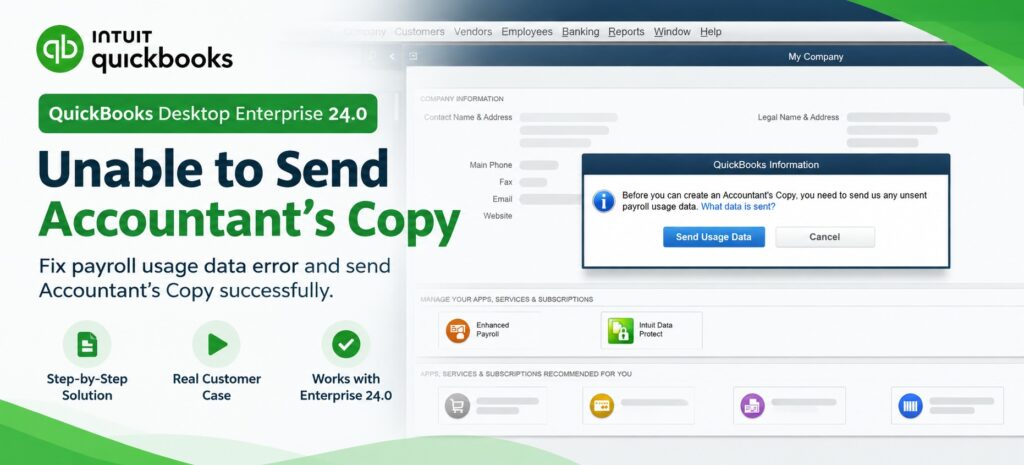
QuickBooks Enterprise Accountant’s Copy Error
A QuickBooks Desktop Enterprise 24.0 customer was unable to send an Accountant’s Copy because QuickBooks reported that unsent payroll usage data needed to be sent first.
In this real customer case, we investigated the payroll data requirement, updated QuickBooks, ran the payroll update, and successfully sent the required payroll usage data. The Accountant’s Copy was then created successfully.
Real case: XXX Flooring LLC · QuickBooks Enterprise Solutions Contractor 24.0
The Error We Encountered
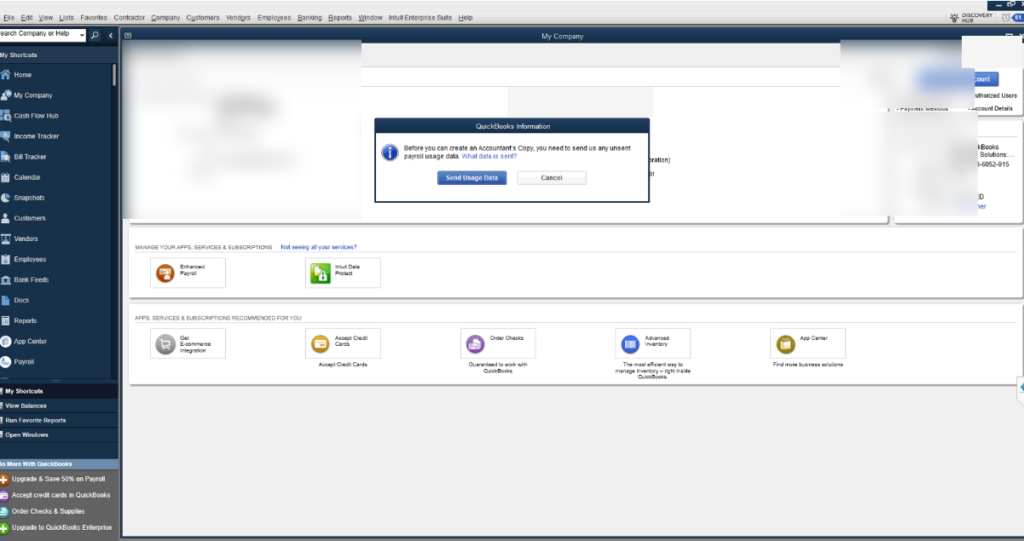
When we attempted to create the Accountant’s Copy, QuickBooks displayed the following message:
“Before you can create an Accountant’s Copy, you need to send us any unsent payroll usage data.”
How We Troubleshot the Issue
We first updated QuickBooks Desktop Enterprise 24.0 to the current available update.
We went to Employees → Get Payroll Updates → Update and completed the payroll update.
We then went to Payroll → My Payroll Service → Send Payroll Data and sent the required usage data.
After the payroll data was successfully sent, we tested the Accountant’s Copy again.
The QuickBooks Error Message
This screenshot shows the message displayed when we initially attempted to create the Accountant’s Copy.
Customer-identifying information has been redacted for privacy.
What We Did to Fix the Issue
We first confirmed that the QuickBooks Desktop Enterprise 24.0 company file had an active payroll service and that QuickBooks was requiring unsent payroll usage data before an Accountant’s Copy could be created.
We then followed this troubleshooting sequence:
- Updated QuickBooks Desktop.
- Went to Employees → Get Payroll Updates → Update.
- After the payroll update completed, went to Payroll → My Payroll Service → Send Payroll Data.
- Sent the required payroll usage data successfully.
- Returned to the Accountant’s Copy process and tested the file again.
- The Accountant’s Copy was then created successfully.
Why This Accountant’s Copy Error Happens
QuickBooks Desktop may prevent an Accountant’s Copy from being created when it detects unsent payroll usage data that needs to be transmitted to the payroll service first. In this case, QuickBooks specifically displayed a message requiring the unsent payroll usage data to be sent before the Accountant’s Copy could be created.
Final Result
After completing the QuickBooks update, running the payroll update, and successfully sending the required payroll usage data, we tested the Accountant’s Copy process again.
The Accountant’s Copy was successfully created, and the customer was able to proceed with the accountant file.
QuickBooks Desktop Enterprise Solutions Contractor 24.0
Outcome: Accountant’s Copy successfully created after the required payroll usage data was sent.
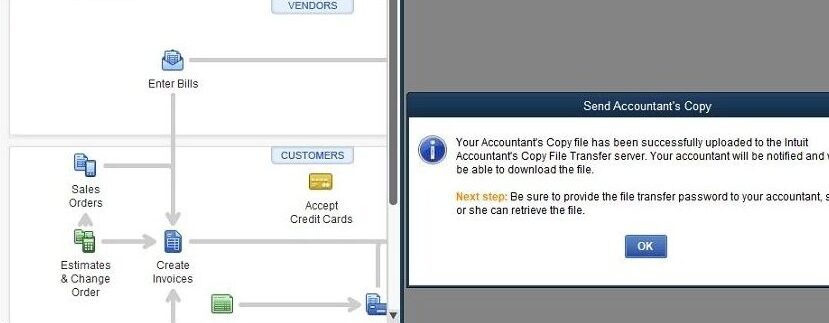
Successful Accountant’s Copy Transfer
After resolving the payroll usage data issue, QuickBooks successfully uploaded the Accountant’s Copy file to the Intuit Accountant’s Copy File Transfer server.
How We Resolved the Issue
The problem occurred because QuickBooks Enterprise required the company's unsent payroll usage data to be transmitted before an Accountant’s Copy could be created.
We followed the QuickBooks workflow, sent the required payroll usage data, and then attempted the Accountant’s Copy process again.
Once the required data was successfully transmitted, the Accountant’s Copy was created and uploaded successfully.
Watch the QuickBooks Enterprise Accountant’s Copy Troubleshooting Video
See the complete troubleshooting process and how the Accountant’s Copy was successfully created after the payroll usage data issue was resolved.
Follow QBBooksPro on YouTube for more QuickBooks troubleshooting videos: @QBBooksPro
Need Help With QuickBooks Enterprise?
Get independent QuickBooks support for Enterprise, Accountant’s Copy issues, payroll errors, and other QuickBooks Desktop problems.
QBBooksPro LLC – Independent QuickBooks Support & Consulting